
Vibe Coding: Building Production Web Apps with AI Assistants
What is vibe coding? Learn how to build real apps using just AI prompts — no deep coding experience needed. Best tools (Cursor, Claude Code, Copilot), step-by-step guide, real examples, and how Indian freelancers are earning with vibe coding in 2026.

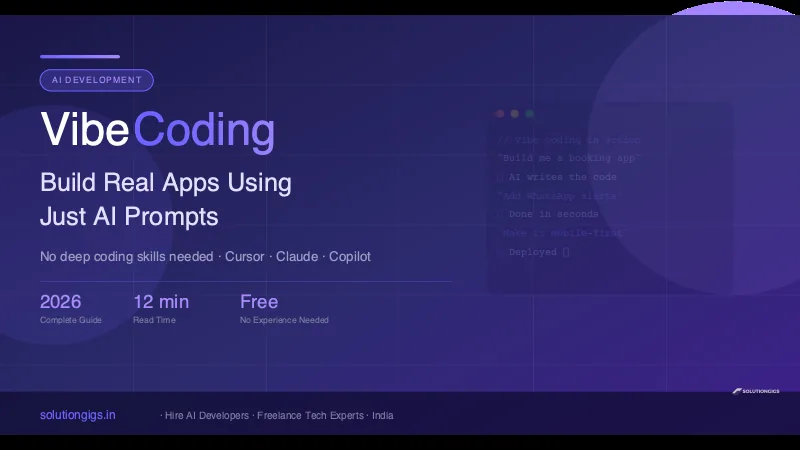
Quick Answer: Vibe coding is the practice of building software by describing what you want in plain English and letting an AI model write the code. You prompt, the AI codes, you review and refine. No deep programming knowledge required. Tools like Cursor, Claude Code, and GitHub Copilot make this possible today — and in 2026, Indian freelancers and startups are using vibe coding to ship products 5–10x faster than traditional development.
Imagine describing your app idea in plain English — "build me a WhatsApp booking bot for my salon" — and watching working code appear in seconds. That's vibe coding. It sounds like science fiction, but it's how thousands of developers (and non-developers) are building real software right now.
Andrej Karpathy — co-founder of OpenAI and former Tesla AI chief — coined the term in early 2025 after building an entire iOS app just by chatting with Claude. Since then, vibe coding has gone from a Twitter curiosity to a legitimate development methodology used by YC startups, solo founders, and freelancers worldwide.
This guide covers everything: what vibe coding is, the best tools, a step-by-step process, real examples, and how Indian developers can use it to build a new income stream.
What Is Vibe Coding? (The Full Definition)
Vibe coding is a prompt-driven development approach where you describe software requirements in natural language and rely on an AI model to generate, debug, and iterate on the code.
The name captures the vibe — it's intuitive, conversational, and feel-first. You don't obsess over syntax. You describe intent. The AI translates that into working code. You review, give feedback, and repeat.
Traditional development flow:
Idea → Design → Write code → Debug → Repeat
Vibe coding flow:
Idea → Describe to AI → Review output → Refine with follow-up prompts → Ship
This isn't just autocomplete. Modern vibe coding tools can:
- Generate entire files from a single prompt
- Read your existing codebase and make changes across multiple files
- Run code, see errors, and fix them automatically
- Install packages, set up databases, and deploy apps
- Explain every decision they make in plain English
Why Vibe Coding Is Exploding in 2026
Three things converged to make vibe coding mainstream:
1. AI models got genuinely good at code. Current frontier models — Claude Opus 5 and Claude Sonnet 5 from Anthropic, and the latest GPT and Gemini releases — score better than most human developers on standard coding benchmarks, and they hold context across an entire codebase rather than a single file. Model names move fast in this space; the durable point is that generating the code stopped being the bottleneck. Reviewing it became the bottleneck instead.
2. Agentic tools appeared. Tools like Claude Code and Cursor Agent don't just suggest code — they take actions. They run tests, fix failing builds, and iterate without you babysitting every step. See our guide on AI agent skills explained for how this agentic loop works, and our hands-on Cursor tutorial for the mode-by-mode workflow that keeps agentic edits reviewable.
3. The cost of building dropped to near zero. A startup that would have needed ₹20 lakh and 6 months to build an MVP can now ship in 2 weeks with a solo founder and a $20/month AI subscription.
For India specifically, this is transformative. The talent pool is massive, but the bottleneck has always been speed. Vibe coding removes that bottleneck.
The 6 Best Vibe Coding Tools in 2026
1. Cursor — Best All-Around IDE for Vibe Coding
Cursor is a VS Code fork with AI baked into every feature. It's the most popular vibe coding tool in 2026 for good reason.
Why it's great:
- Tab completion that predicts your next 5 lines
- ⌘K: edit any selection with a natural language instruction
- Cursor Agent: give it a task, it builds entire features end-to-end
- Reads your full codebase for context
Cost: Free tier (limited), $20/month Pro (recommended) Best for: Web apps, APIs, full-stack projects
2. Claude Code — Best for Complex, Multi-Step Projects
Claude Code is Anthropic's terminal-based AI coding tool. You run it in your project directory and chat with it. It can read every file, run commands, install dependencies, and fix bugs across your entire codebase.
Why it's great:
- Handles the most complex, multi-file edits of any tool
- Understands large codebases without getting confused
- Great for refactoring, debugging, and adding new features to existing projects
- Built on Claude Sonnet 4 — currently the strongest coding model
Cost: Included in Claude Pro ($20/month) or by API usage Best for: Complex backends, existing large codebases, debugging hard problems
We've covered how to build multi-agent AI systems and how to turn any API into an MCP tool — all techniques you can apply directly within Claude Code.
3. GitHub Copilot — Best for Incremental Coding
If you're already in VS Code and want AI that enhances rather than replaces your coding, Copilot is the most seamlessly integrated option.
Why it's great:
- Ghost text completions as you type (incredibly fast)
- Copilot Chat: ask questions about your code in plain English
- Free tier now available for students and OSS contributors
Cost: Free (limited), $10/month Individual Best for: Developers who want AI assistance without leaving their workflow
4. Windsurf by Codeium — Best Free Option
Windsurf is a newer AI IDE that punches above its price point. Its free tier is genuinely usable for real projects.
Why it's great:
- Cascade: agentic coding that plans and executes multi-step tasks
- Strong multi-file editing
- Free tier with 25 credits/day (enough for light vibe coding)
Cost: Free tier, $15/month Pro Best for: Budget-conscious developers, students, freelancers
5. Gemini CLI — Best Free Terminal Tool
Google's Gemini CLI gives you 1,000 free requests/day — the most generous free tier in the market. We wrote a full Gemini CLI tutorial if you want the deep dive.
Cost: Free (1,000 req/day), paid for more Best for: Side projects, learning, high-volume prototyping on a budget
6. n8n + AI — Best for Automation Without Code
If your goal is automating workflows rather than building apps, n8n combined with AI is the vibe coding equivalent for automation. Read our n8n AI workflow guide for details.
How to Start Vibe Coding: Step-by-Step
Step 1: Pick Your Tool
For complete beginners: start with Cursor (best UX) or Windsurf (best free tier). For developers: Claude Code for complex projects, Copilot for day-to-day.
Step 2: Define Your Project Clearly
Before you touch the AI, write down:
- What it does in one sentence: "A web app where clients can book 30-minute calls with me"
- The stack (or let AI choose): "Use Next.js, Tailwind, and PostgreSQL" or "Pick the best stack for a simple booking app"
- The MVP scope: list only the features you need on day one. Vibe coding tempts you to add features — resist.
Step 3: Write Your First Prompt
A great first vibe coding prompt has four parts:
[Context] I'm building a [type of app] using [stack].

[Goal] I need you to [specific task].

[Constraints] Keep it [simple/production-ready/mobile-first]. Use [specific libraries if any].

[Output] Give me [file structure / complete code / just the backend].
Example:
I'm building a simple booking app for a freelance photographer in India. Use Next.js 15, Tailwind CSS, and Supabase for the backend. Create the landing page with a hero section, a 3-step "how it works" section, and a booking form that collects name, email, phone, and preferred date. Make it mobile-first. Give me complete, working code.
This prompt will produce a working page in under 30 seconds.
Step 4: Review the Output — Don't Blindly Accept
This is the most important skill in vibe coding. Read what the AI gave you:
- Does it look like what you wanted?
- Are there any obvious errors or placeholders?
- Does it use libraries or approaches you don't want?
You don't need to understand every line. Look for intent alignment. Is the structure right? Does it handle the core cases?
Step 5: Iterate With Refinement Prompts
Vibe coding is a conversation. After reviewing:
- "The layout is right but the hero text is too long — shorten it to 2 sentences"
- "The booking form doesn't validate the phone number — add Indian phone validation"
- "This looks good. Now add a WhatsApp notification that fires when a booking is submitted"
Each refinement narrows the gap between what you got and what you want.
Step 6: Test Manually — AI Misses Edge Cases
Run the app. Click every button. Try submitting the form with wrong data. AI tends to generate the happy path perfectly and miss edge cases:
- What if the user submits an empty form?
- What happens on mobile with a very long name?
- Does it break on slow internet?
File each bug as a follow-up prompt: "When the user submits the form without filling the phone number, there's no error message — add inline validation."
Step 7: Deploy
Vibe coding includes deployment. Tools like Vercel, Railway, and Render deploy in one command. You can prompt the AI: "Give me the exact steps to deploy this to Vercel with environment variables for the Supabase keys." It will walk you through it.
Real Vibe Coding Examples That Work in India
Example 1: WhatsApp Lead Capture Bot
Prompt: "Build a WhatsApp bot using the Twilio API that captures leads for a real estate agent in India. When someone messages the bot, it asks for name, city, budget, and property type, then saves the data to a Google Sheet and sends the agent an email summary."
Result: A working Python FastAPI backend with Twilio webhook + Google Sheets integration. Build time with vibe coding: 2–3 hours vs. 2–3 days traditionally.
Example 2: Invoice Generator (No Login)
Our free invoice generator on solutiongigs.in was built using exactly this approach — a simple web tool that required no backend, no login, and deployed in an afternoon.
Example 3: SaaS Dashboard MVP
A startup founder in Bangalore used Cursor to build a complete B2B analytics dashboard — user auth, charts, data tables, CSV export — in 4 days. The same project would have taken a traditional dev team 3–4 weeks.
Common Vibe Coding Mistakes to Avoid
| ❌ Mistake | ✅ Fix |
|---|---|
| Giant single prompt with 10 features | Start with one feature, add more iteratively |
| Never reading the output | Always review before running — catch issues early |
| Not specifying the stack | Tell the AI exactly which libraries/framework to use |
| Skipping manual testing | Test every user flow yourself |
| Building without version control | Use Git from day one — git commit after each working step |
| Asking for production without context | Tell the AI if this is for prod: "This is production code — add proper error handling and input validation" |
| Using one AI tool for everything | Cursor for UI, Claude Code for complex backend logic — combine tools |
Vibe Coding as a Freelance Income Stream in India
This is where it gets genuinely exciting for Indian developers and non-developers alike.
What clients are paying for in 2026:
- Landing pages with booking/contact forms: ₹5,000–₹15,000
- WhatsApp bots for small businesses: ₹10,000–₹30,000
- MVPs for startup ideas: ₹25,000–₹1,50,000
- Internal automation tools: ₹15,000–₹60,000
With vibe coding, a skilled prompt engineer can deliver a landing page in 2 hours and an MVP in a week. The margin is extraordinary.
What you actually need to charge these rates:
- Strong prompt writing skills (this guide is a start)
- Ability to test and debug what AI builds
- A portfolio of 3–5 working projects
- Honest communication with clients about timeline and scope
At solutiongigs.in, we connect Indian vibe coders and AI developers with startups looking for exactly this kind of fast, affordable development. If you're building skills in this space, explore freelance opportunities on SolutionGigs →
Is Vibe Coding Replacing Developers?
No — but it's raising the floor dramatically. What a junior developer could do in a week, a skilled vibe coder can do in a day. What a mid-level dev could do in a month, a senior developer with AI can do in a week.
The developers who are thriving are the ones who:
- Use AI to handle boilerplate and repetitive code
- Focus their human skill on architecture, security, and edge cases
- Can review AI-generated code for correctness, not just functionality
According to GitHub's 2025 developer survey, 78% of professional developers now use AI coding tools daily. The question isn't whether to vibe code — it's how to do it well.
Vibe Coding vs. Traditional Coding: Quick Comparison
| Factor | Traditional | Vibe Coding |
|---|---|---|
| Time to MVP | 4–12 weeks | 1–2 weeks |
| Skill required | 2–5 years experience | Beginner-friendly |
| Cost (solo dev) | High (time) | Low (AI subscription) |
| Code quality | Consistent | Variable — needs review |
| Security | Developer-controlled | AI can miss edge cases |
| Scalability planning | Built in | Needs explicit prompting |
| Best for | Complex systems | MVPs, tools, prototypes |
Frequently Asked Questions
What is vibe coding?
Vibe coding is building software by describing what you want in plain English and letting an AI model write the code. You prompt, the AI codes, you review and refine. Coined by Andrej Karpathy in 2025, it's now a mainstream development approach used by startups, freelancers, and solo founders worldwide.
Who invented vibe coding?
Andrej Karpathy — co-founder of OpenAI and former Director of AI at Tesla — coined the term in February 2025 after building an iOS app entirely through AI prompts. He described "fully giving in to the vibes," accepting AI output without reading every line, and the name stuck.
What are the best vibe coding tools in 2026?
The top vibe coding tools in 2026 are Cursor ($20/month, best IDE), Claude Code (terminal-based, best for complex projects), GitHub Copilot ($10/month, best VS Code integration), Windsurf (strong free tier), and Gemini CLI (1,000 free requests/day). Most professionals use a combination of two or more.
Can I vibe code without any programming knowledge?
Yes — you can start vibe coding with zero programming experience. AI will write all the code. Basic concepts (what a file is, what an API is, what a database does) will make your prompts more effective, but they're not required. Millions of non-developers are building working apps with vibe coding today.
Is vibe coding good for production apps?
Vibe coding is excellent for prototypes and MVPs. For production, AI-generated code needs review by a developer to catch security issues, edge cases, and performance problems. The best teams use vibe coding to generate first drafts quickly, then apply human expertise to harden the output.
How much does vibe coding cost in India?
You can start free with Gemini CLI or Windsurf's free tier. Paid tools start at roughly ₹850–₹1,700/month (Copilot or Cursor). The ROI is strong: what used to require hiring a developer at ₹30,000–₹80,000/month, a solo vibe coder can now achieve for the cost of an AI subscription.
Can I earn money as a vibe coder in India?
Yes. Indian vibe coders are charging ₹5,000–₹1,50,000 per project depending on complexity. Common gigs include WhatsApp bots, landing pages, MVP development, and automation tools. solutiongigs.in connects Indian AI developers with startups actively looking for this kind of fast, AI-assisted development.
Conclusion
Vibe coding isn't hype — it's the most significant shift in how software gets built since cloud computing. The tools work. The output is real. And the opportunity for Indian developers, freelancers, and founders to build things faster than ever before is genuinely here.
Start small: pick Cursor or Windsurf, describe a simple app you've always wanted to build, and push through your first working version. The learning curve is shallower than you think, and the payoff — in speed, confidence, and earning potential — is enormous.
Ready to put your vibe coding skills to work? solutiongigs.in connects Indian AI developers and vibe coders with startups looking for fast, affordable MVPs and automation. It's free to join and post your profile.
Find AI development gigs on SolutionGigs →
Mohammed Yaseen
Founder, SolutionGigs
Mohammed builds AI-powered products at solutiongigs.in and writes about the intersection of AI tools, freelancing, and practical software development in India. LinkedIn →
More in AI Development
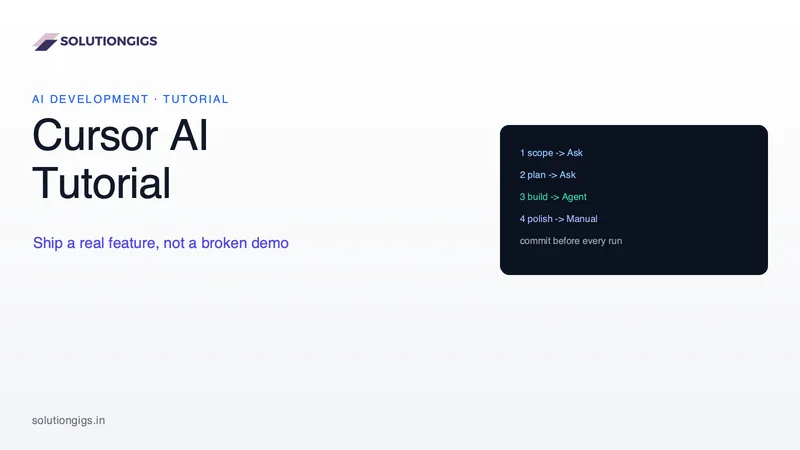
Cursor AI Tutorial: How to Ship a Real Feature, Not a Broken Demo
Most Cursor tutorials build a to-do app from an empty folder. This one covers the real job: adding a feature to a codebase that already has 40,000 lines and tests that must keep passing. The four modes and when each is correct, the rules file that removes most repetitive errors, a worked example, and how to keep costs down.
10 Free AI Developer Tools (No Signup)
10 free AI developer tools with no signup — generate SQL, Docker Compose, Kubernetes YAML, Terraform, MCP servers, READMEs and more from plain English. Try them free.
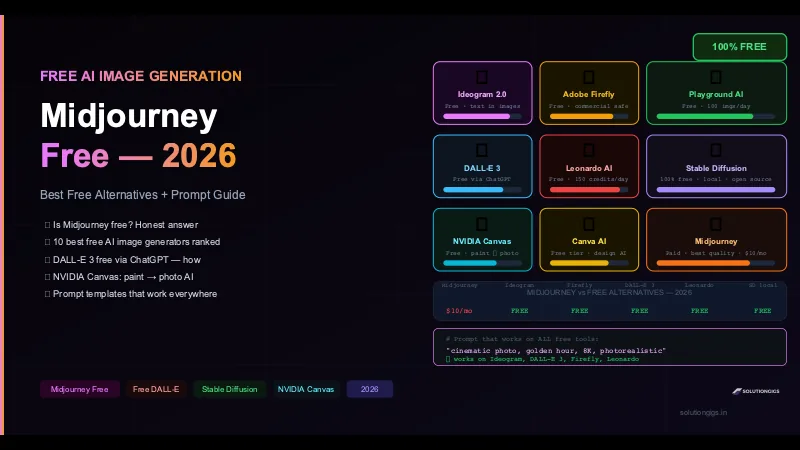
Midjourney: Is It Free? + 10 Best Free AI Image Generators
Is Midjourney free in 2026? Honest answer: no. But here are 10 free AI image generators that actually work — DALL-E 3, Ideogram, Adobe Firefly, Leonardo AI, Stable Diffusion, NVIDIA Canvas. Full prompt guide included.