
Build an n8n Workflow With Just Natural Language (n8n + AI)
Stop dragging nodes around. I describe a real automation in plain English, let n8n AI build it, show what it got wrong, and fix it live — from idea to a running workflow in under 30 minutes.
Last Updated: July 2026 · 11 min read
What You'll Build
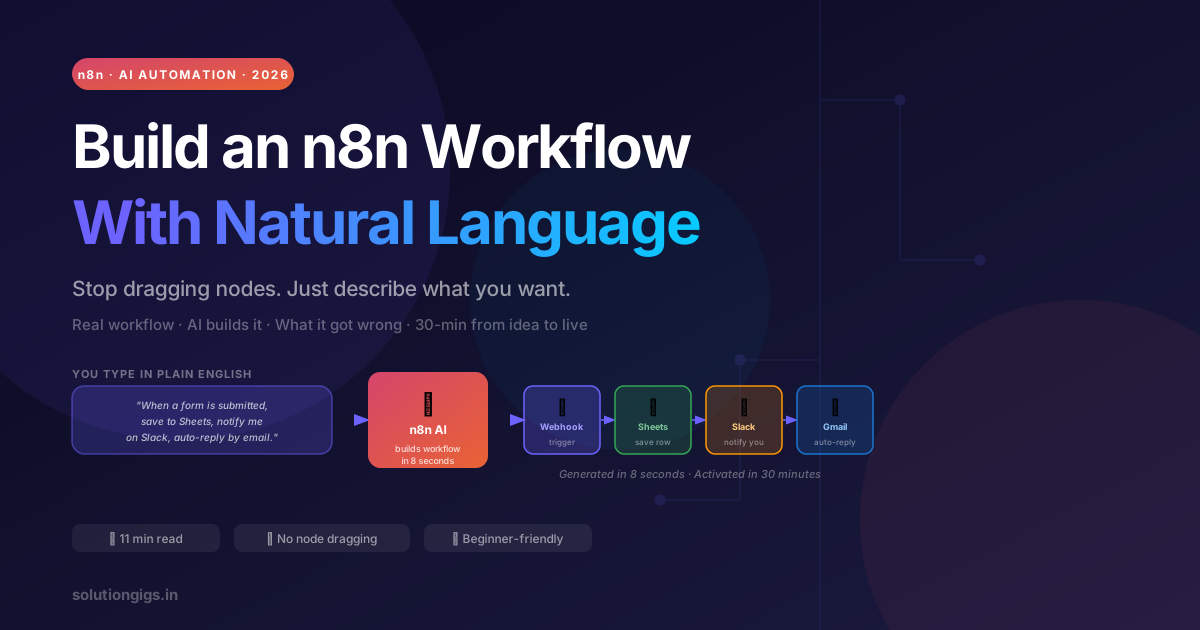
A real, running automation: contact form submitted → row saved to Google Sheets → Slack notification sent → auto-reply email fired. Built by describing it in plain English — no node dragging, no connector hunting.
Time to a working workflow: under 30 minutes. I'll also show you the one thing the AI got wrong — and how I fixed it in 90 seconds.
Here's what usually happens when someone discovers n8n: they open the canvas, see 400+ integrations, spend 20 minutes hunting for the right node, wire it wrong twice, and close the tab.
That was me in 2024. It doesn't have to be you in 2026.
n8n now has a built-in AI workflow builder: you describe what you want in plain English, and it generates the full node graph. Not a rough sketch — a working, connected workflow you can run immediately. You still review and tweak the output (and you should), but the scaffolding that used to take 30 minutes of clicking now takes 30 seconds of typing.
This guide shows the full process end to end: from a blank canvas to a live, tested automation. Including the part nobody else shows — what the AI got wrong and exactly how I fixed it.
📹 Prefer to watch? I built this live on YouTube
Prefer reading? Everything in the video is covered step by step below.
The Workflow We're Building
Before anything else, here's the end result so you know what you're working toward.
Trigger: A webhook fires when someone submits a contact form on your site.
What happens automatically:
- The submission data is saved as a new row in Google Sheets
- You get a Slack DM: "New lead: [name] — [email] — [message preview]"
- The submitter gets an auto-reply email thanking them
This workflow is simple enough to build in one session but useful enough that you'll actually run it in production. It covers trigger → multi-action — the fundamental n8n pattern. Once you understand it, you can build almost anything.
What Is n8n? (30-Second Version)
n8n (pronounced "n-eight-n") is an open-source workflow automation tool. You connect services — Google Sheets, Slack, Gmail, databases, APIs — using a visual node editor, and define what happens when something triggers the workflow.
Think of it as Zapier but with three critical differences:
| n8n | Zapier | |
|---|---|---|
| Hosting | Self-hosted (you own data) | Cloud only |
| Pricing | Free forever on your own server | Charges per task |
| Logic | Branches, loops, error handling, code nodes | Linear steps only |
| For developers | HTTP nodes, JS/Python code, AI nodes | Limited |
For developers, n8n wins on every axis except simplicity to start. This guide handles the start.
Step 1 — Get n8n Running
The fastest way to get n8n running locally is Docker:
docker run -it --rm \
  --name n8n \
  -p 5678:5678 \
  -v ~/.n8n:/home/node/.n8n \
  n8nio/n8n
Open http://localhost:5678, create an account, and you're on the canvas.
Don't have Docker? Use the n8n cloud free tier — 5 active workflows, 2,500 executions/month, no credit card required. Good enough to follow this entire tutorial.
Step 2 — Open the AI Workflow Builder
In the top-right corner of the canvas, click "Ask AI" (the sparkle icon). A chat panel opens on the right side.
This is n8n's AI builder. It takes your plain-English description and generates a complete workflow on the canvas — connected nodes, configured parameters, everything.
Step 3 — Describe Your Workflow in Plain English
Here's exactly what I typed:
"When a webhook receives a POST request with fields: name, email, and message — save the data as a new row in a Google Sheet called 'Leads', then send me a Slack DM that says the name, email, and first 100 characters of the message, then send an auto-reply email to the person who submitted the form thanking them and telling them I'll respond within 24 hours."
That's it. One paragraph. Hit Enter.
What n8n AI built in about 8 seconds:
- ✅ Webhook trigger node (POST method, correct field names)
- ✅ Google Sheets node (Append operation, mapped name/email/message columns)
- ✅ Slack node (DM operation, formatted message with variables)
- ✅ Gmail node (Send Email operation,
tofield set to{{$json.email}})
Four nodes, fully connected, all parameters pre-filled from my description. On the first try.
What the AI Got Wrong — and How I Fixed It
I said I'd show you this, and here it is: the Slack message format was wrong.
The AI generated this for the Slack message body:
New lead: {{$json.name}} — {{$json.email}} — {{$json.message}}
The problem: if message is 500 characters, my Slack DM becomes a wall of text. I asked for "the first 100 characters" and the AI ignored it.
The fix took 90 seconds:
- Click the Slack node
- In the Message field, change
{{$json.message}}to:
{{$json.message.slice(0, 100)}}{{$json.message.length > 100 ? '...' : ''}}
That's a JavaScript expression inside n8n's expression syntax — {{ }} brackets run any JS. The AI set up the node; I just adjusted one field.
This is the right mental model for n8n AI: it handles 80% of the work, you handle the last 20%. The 20% is usually edge cases the AI skipped — long text truncation, null checks, formatting. These fixes take seconds once you know where to click.
Step 4 — Connect Your Accounts
Each node needs credentials. Click each service node and you'll see a "Connect" button. n8n walks you through OAuth for Google and Slack, and SMTP for Gmail. Set them up once and they're saved for all future workflows.
For the webhook: click the Webhook node, copy the test URL, and use a tool like Hoppscotch or curl to fire a test POST:
curl -X POST https://your-n8n-instance/webhook-test/contact-form \
  -H "Content-Type: application/json" \
  -d '{"name":"Priya Sharma","email":"priya@example.com","message":"Hi, I saw your portfolio and wanted to discuss a project."}'
Step 5 — Test and Activate
- Click "Test workflow" — n8n runs the workflow once with real data and shows you the output of every node
- Check your Google Sheet (new row should appear), Slack (DM should arrive), and Gmail (auto-reply should be in Sent)
- Fix anything that looks off
- Click "Activate" — the workflow is now live and will run automatically on every real form submission
The whole process — from describing the workflow to activating it — took me 22 minutes including the Slack fix and credential setup.
The "Aha" Moment
The shift happens when you realize what just got automated:
Every time someone fills your contact form, you used to either miss the notification or copy-paste data manually into a spreadsheet. Now it's:
- Zero manual steps
- Instant Slack alert so you never miss a lead
- Professional auto-reply so the person knows you received it
- Clean data in Sheets for follow-up tracking
That's the kind of workflow that used to take a developer an afternoon to wire up with custom code. n8n + AI does it in 30 minutes with a paragraph of English.
3 More Workflows Worth Building Next
Once you have this pattern down, these are the next most useful workflows for developers and indie builders:
1. GitHub Issue → Notion task + Slack alert Whenever a new issue is opened on a repo, create a task in Notion and notify the channel. No more missed issues.
2. New Stripe payment → Send personalized onboarding email
Trigger on payment_intent.succeeded, pull customer details, send a tailored welcome email via Gmail or SendGrid.
3. Daily digest: fetch top HN posts → summarize with Claude → send to email A scheduled workflow that runs every morning, hits the HN API, summarizes the top 5 posts using Claude (n8n's Anthropic node), and emails you a digest. Takes 15 minutes to build and saves 20 minutes of reading every day.
Frequently Asked Questions
Can you build n8n workflows with natural language?
Yes. n8n's built-in AI builder accepts plain-English descriptions and generates a full connected node graph. You describe the trigger, the steps, and the expected output — the AI wires the nodes, maps data fields, and pre-fills parameters. You review and adjust the output (especially edge cases), but the scaffolding is done in seconds.
Is n8n free to use?
n8n is completely free to self-host — no workflow limits, no execution caps, no per-task fees. Run it with Docker on any VPS. There's also a managed cloud version with a free tier (5 active workflows, 2,500 executions/month). For most developers, self-hosting on a $5–10/month VPS is the better long-term choice.
What can n8n integrate with?
Over 400 native integrations including Gmail, Google Sheets, Slack, Notion, Airtable, GitHub, HubSpot, Stripe, Telegram, Discord, PostgreSQL, MySQL, and more. For anything without a native node, the HTTP Request node lets you call any REST API directly.
How is n8n different from Zapier?
n8n is self-hostable (you own your data, no per-task fees), supports branching, loops, and error handling that Zapier can't do, and has native code nodes (JavaScript/Python) and AI nodes. Zapier is simpler to start with. For developers building serious automations, n8n wins on flexibility and cost.
Do I need to code to use n8n?
No — the visual editor handles most workflows without any code. But knowing JavaScript makes you significantly more powerful: you can write custom expressions in any field, use the Code node for complex transformations, and handle edge cases that the UI nodes can't express. The AI builder reduces the no-code gap further.
What is the best first workflow to build in n8n?
The contact form → Google Sheets → Slack → Gmail reply workflow from this tutorial. It's genuinely useful (you'll run it in production), covers the trigger → multi-action pattern, and teaches you credential setup, data mapping, and expression syntax — everything you need for every other workflow.
Can n8n workflows use AI?
Yes. n8n has dedicated nodes for OpenAI (GPT-4o, embeddings, image generation), Anthropic (Claude), and other AI providers. You can use AI to classify input data, draft personalised email replies, extract structured fields from unstructured text, moderate content, or build full AI agents with memory and tools — all wired into your broader automations.
Conclusion
The honest summary: n8n's AI builder doesn't replace you — it removes the boring part.
You still need to review what it built, fix edge cases, connect your accounts, and test with real data. But the scaffolding — the part that used to take 30 minutes of hunting through 400 nodes — now takes 30 seconds of typing.
The pattern that works:
- Describe your workflow in one paragraph — trigger, steps, output
- Let n8n AI generate the node graph
- Review every node; fix the 1–2 things it inevitably got wrong
- Connect credentials, test with real data, activate
That's it. Start with the contact form workflow from this tutorial. Once you've activated one workflow and watched it run automatically, the rest follows naturally — because you'll immediately see five more things you want to automate.
Ready to go further? Next up: how to self-host n8n on a $5 VPS — full setup from a blank server to a secured, production-ready n8n instance you fully control. And if you're building AI-powered workflows, the MCP server tutorial shows how to expose your own APIs as tools Claude can call from inside n8n's AI nodes.

Mohammed Yaseen
Founder, SolutionGigs
Full-stack developer and AI tools builder at solutiongigs.in. Mohammed builds automation workflows, MCP servers, and FastAPI backends — and writes honest, no-fluff tutorials for developers who want to ship real things. LinkedIn →
More in AI Development
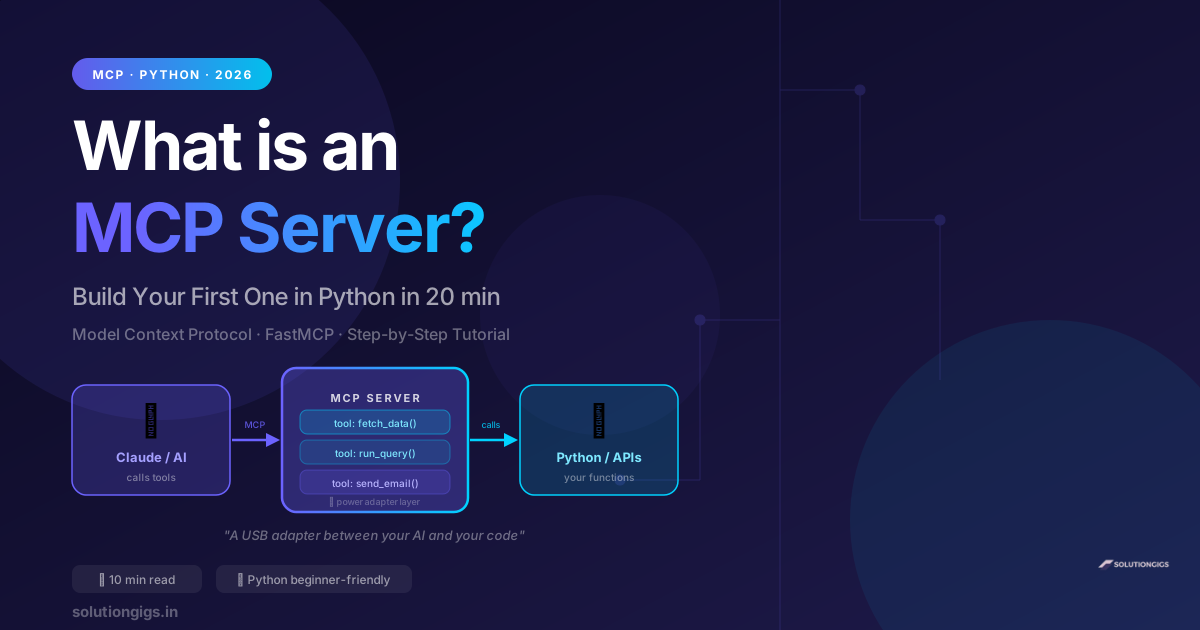
What Is an MCP Server? Build Your First One in Python
Learn what an MCP server is in plain English and build your first one in Python in 20 minutes. Step-by-step FastMCP tutorial — no prior MCP experience needed.
Vibe Coding: Build Apps With AI — Complete Guide
What is vibe coding? Learn how to build real apps using just AI prompts — no deep coding experience needed. Best tools (Cursor, Claude Code, Copilot), step-by-step guide, real examples, and how Indian freelancers are earning with vibe coding in 2026.
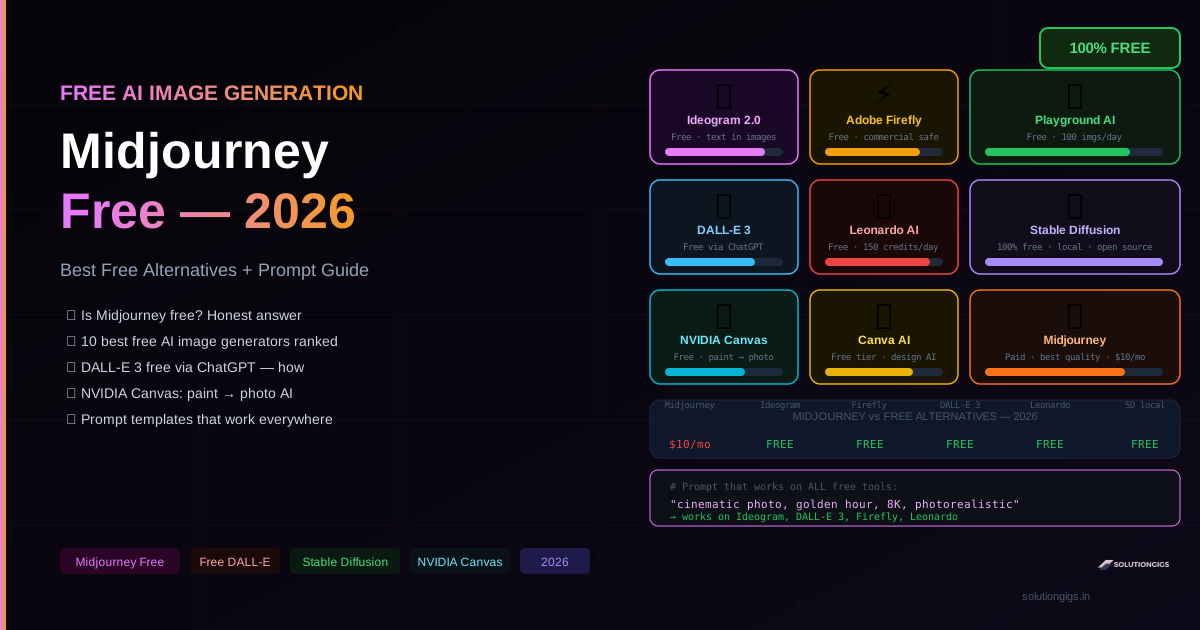
Midjourney: Is It Free? + 10 Best Free AI Image Generators
Is Midjourney free in 2026? Honest answer: no. But here are 10 free AI image generators that actually work — DALL-E 3, Ideogram, Adobe Firefly, Leonardo AI, Stable Diffusion, NVIDIA Canvas. Full prompt guide included.